Build a Fight Night
Book bouts, create a card, choose a venue, arrange the main event and undercard, then confirm a viable show.
A fight night is a promotion layer over bouts you have already booked. Matchmaking creates the fights. The Shows view groups fights scheduled for the same week into a card with a venue and event economy.
Before fight nights unlock
You can still book individual bouts and earn from them. Promoted fight nights open after the promotion reaches the reputation shown in the app. Until then, use Matchmaking and learn what makes a credible headliner.
Build the card in the right order
Book or identify the bouts
Open Matchmaking and select a fighter and opponent. To add a new bout to a draft card, use the card's add bout flow so the matchup is booked for that card's week.
Open Shows and create the draft
In Matchmaking, switch the view from Opponents to Shows. Create a fight night or continue the existing draft. Only one active draft is maintained at a time.
Set the week
An empty draft lets you move the event week within the allowed window. Once a bout is attached, the fight week is pinned so every bout on the bill resolves together.
Choose the venue
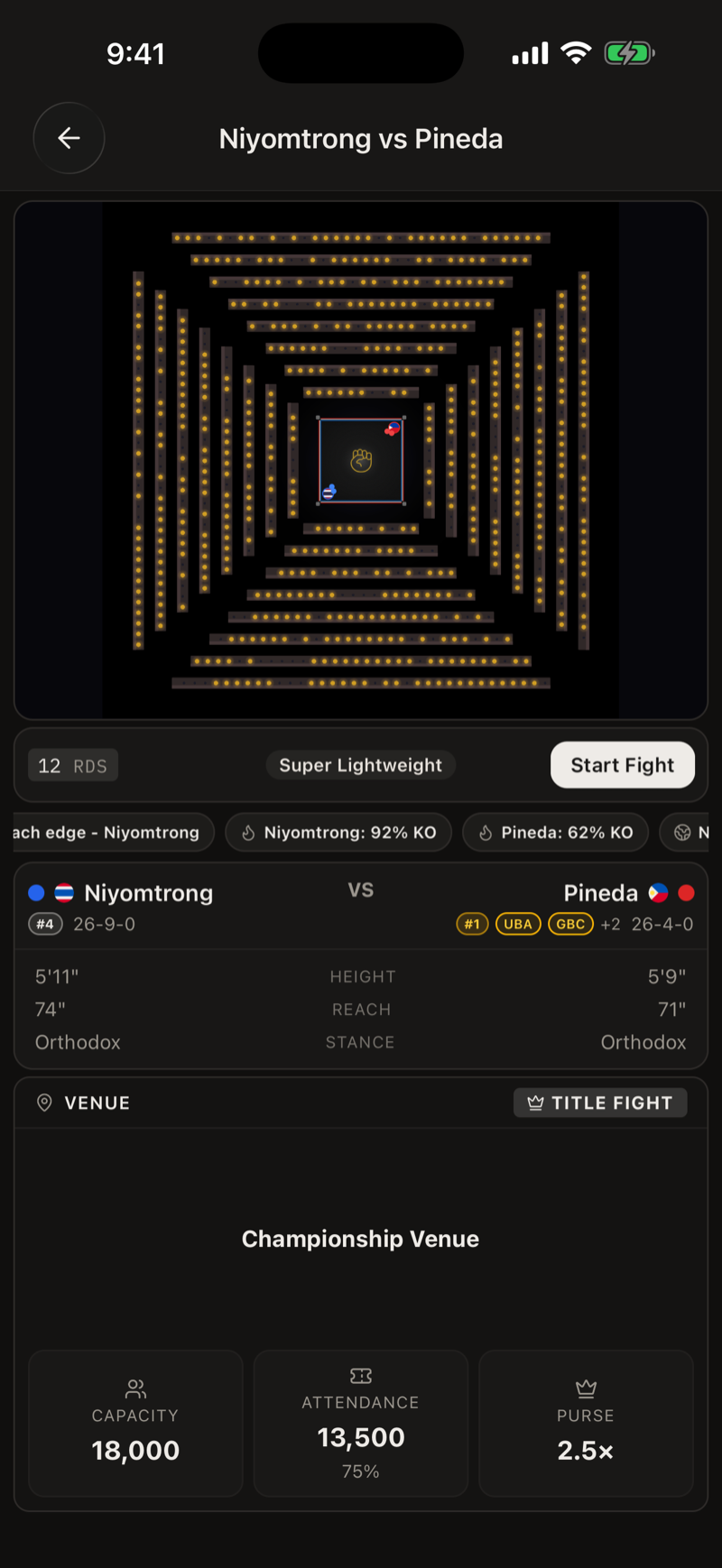
Compare capacity, rent, bout limit, and reputation requirement. Larger venues also support stronger broadcast opportunities, but fixed costs rise sharply. Title fights require an appropriate venue level when you promote them yourself.
Fill and order the bill
Attach booked fights from the same week or book more through the card flow. Move bouts up or down. Position one is the main event, position two is the co main, and the rest form the undercard. Venue capacity limits how many bouts the card can hold.
Read the projection and confirm
Review gate, broadcast, sponsor money, purses, backend points where present, venue rent, production, sanctioning fees, and projected net. Add bouts if the interface reports that the card is too thin for a stronger broadcast tier. Confirm only when the downside is acceptable.
What confirmation changes
Confirmation freezes the current event projection and turns the draft into an upcoming show. Before fight week, you can reopen the card for editing or cancel the fight night. Cancelling the event does not cancel the bouts. They remain booked and settle as regular fights.
The rule that prevents most bad shows
Choose the smallest venue that comfortably fits the expected audience and the bill you need. A venue's capacity is an upside limit. Its rent and production are costs even when sales disappoint.
Train and Develop Fighters
Use six week camps, focus messages, equipment, and staff while keeping temporary preparation separate from permanent development.
Rankings, Titles, and Mandatories
Move fighters through rankings, win regional and world belts, and answer mandatory orders without losing control of the career.